 Dasti · online creative tool
NORMA — generative geometry
NORMA
Create in harmony.
A geometric design system in the browser, for building compositions from proportion, grids and structure. Designed and built by Dasti, it brings two instruments together: Create to generate, Construct to compose.
- Tools
- Create · Construct
- Construct
- 82 geometric systems
- Where
- In the browser, nothing to install
- Price
- Free to use
- Studio
- Designed and built by Dasti
The principle
Measured, not guessed.
Unlike template-first design, NORMA starts with the underlying relationship, so the structure can be inspected, questioned and refined.
The golden ratio is one relationship, not the universal answer. NORMA keeps the value visible so choices can be compared.
01
Generative geometry
Create
Generate. Keep. Rebuild.
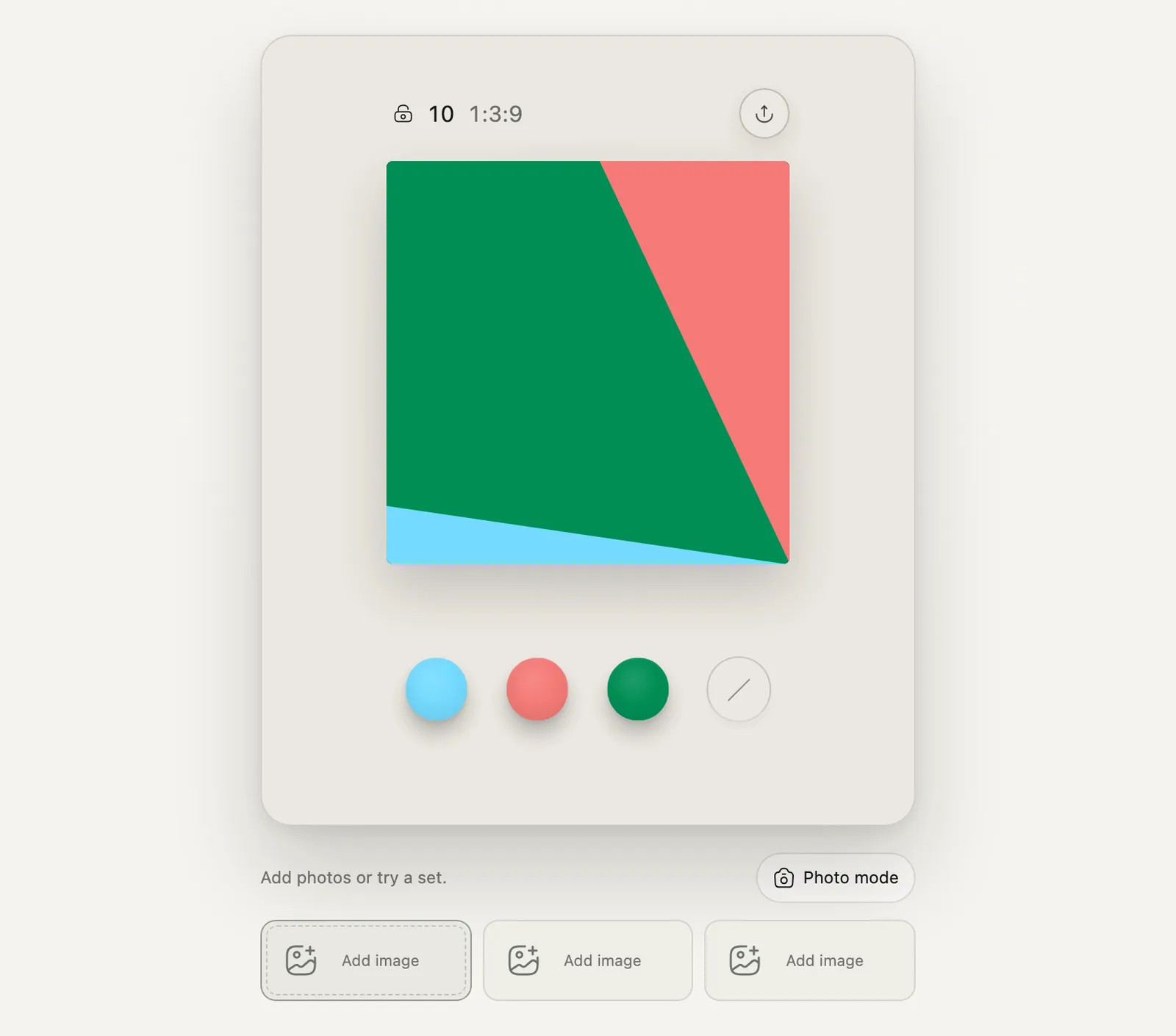
Follow your instinct. Generate a composition, keep what moves you, and let NORMA rebuild around it.
NORMA is not a form with twenty controls. Start by playing; when one piece feels right, keep it, and the search continues around that decision. Proportion becomes play: each gesture opens a new direction, and every choice makes the composition yours.
-
01
Hold
Watch NORMA search through structures, mappings and colour.
-
02
Keep
Tap one region. That exact piece becomes your decision.
-
03
Rebuild
Hold again. The kept piece stays while the rest changes.
Photo Remix
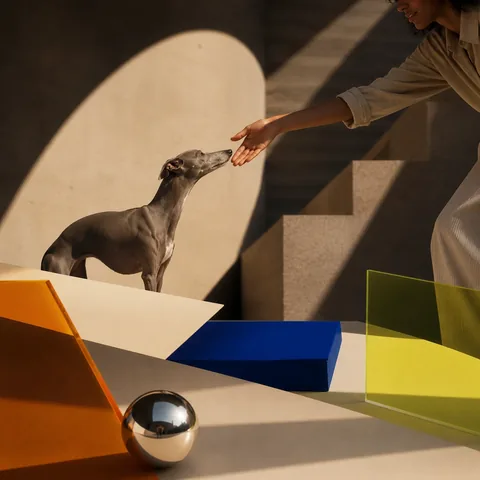
Three images. One composition.
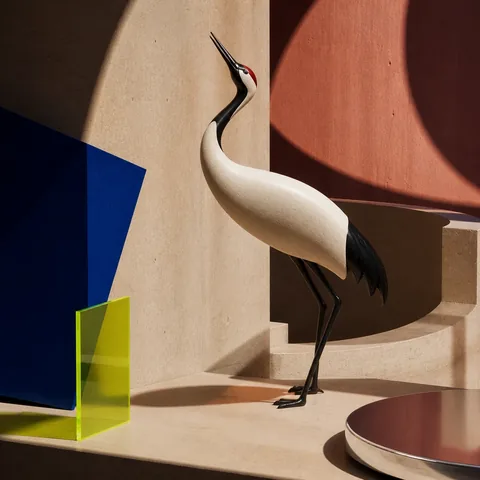
The same proportional geometry, with photographs. Feed NORMA three images, then let the structure decide how they share the square.
 01
 02
 03
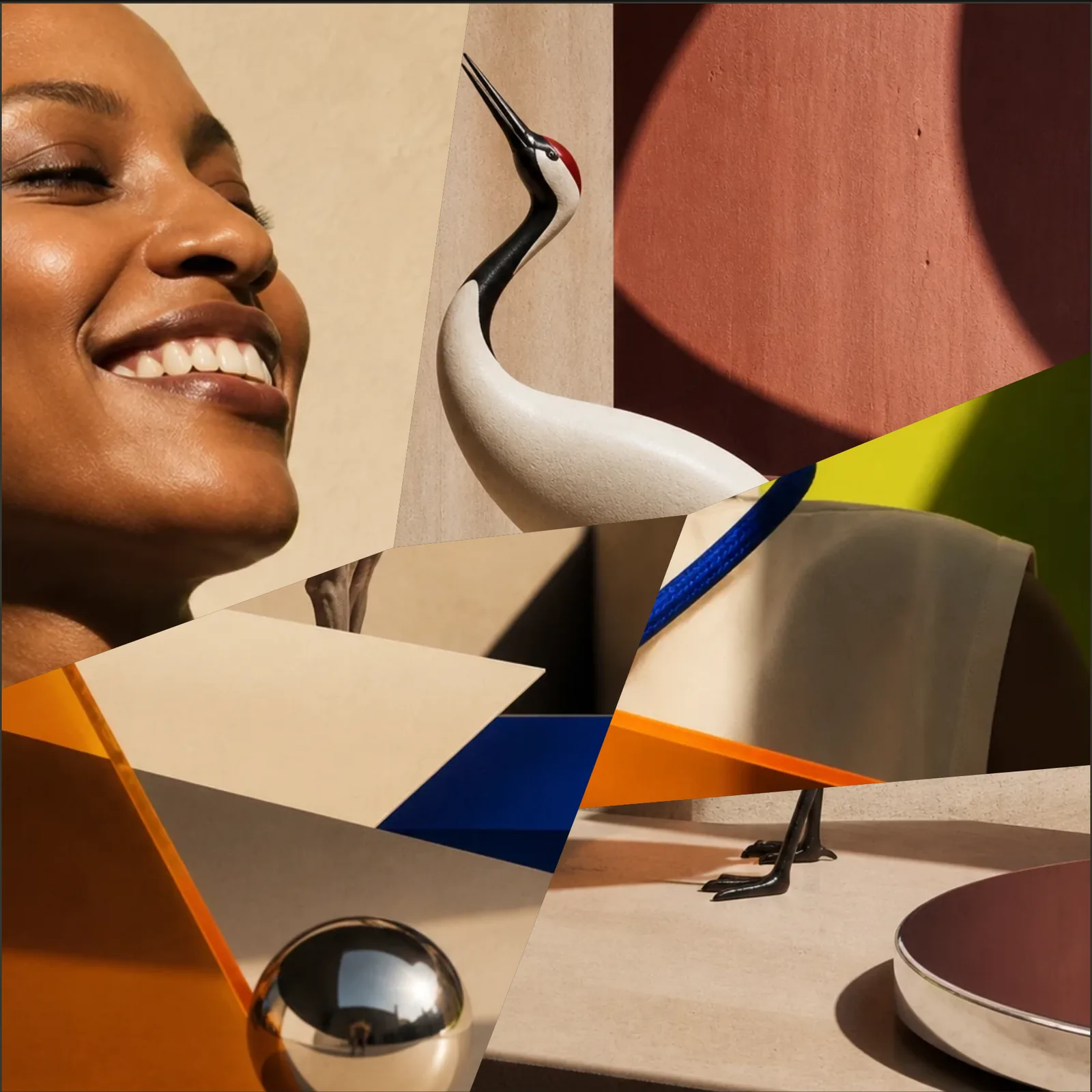
Not AI image generation. Your images, re-composed through geometry.
02
Geometric composition tool
Construct
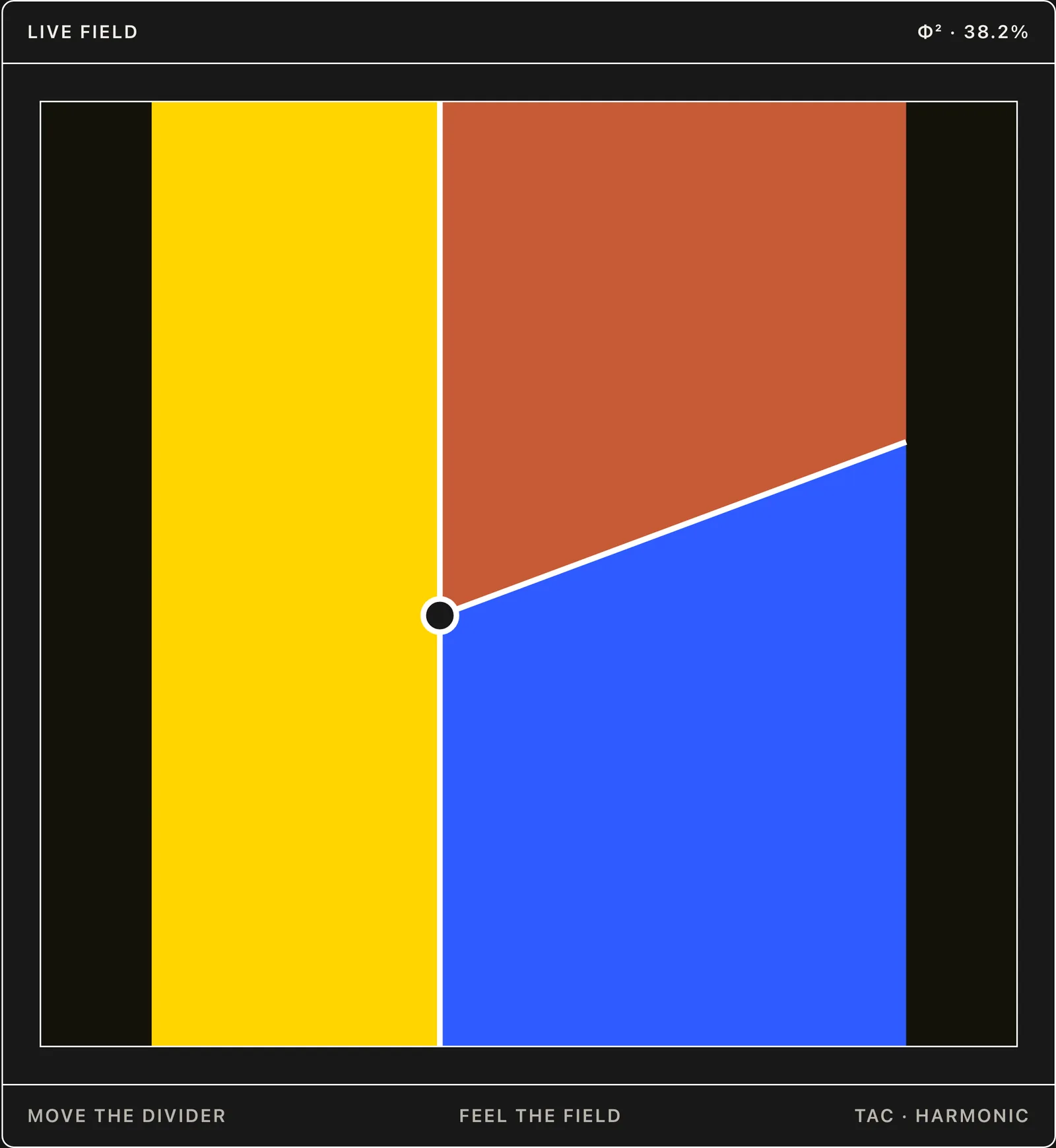
Design with structure, not templates.
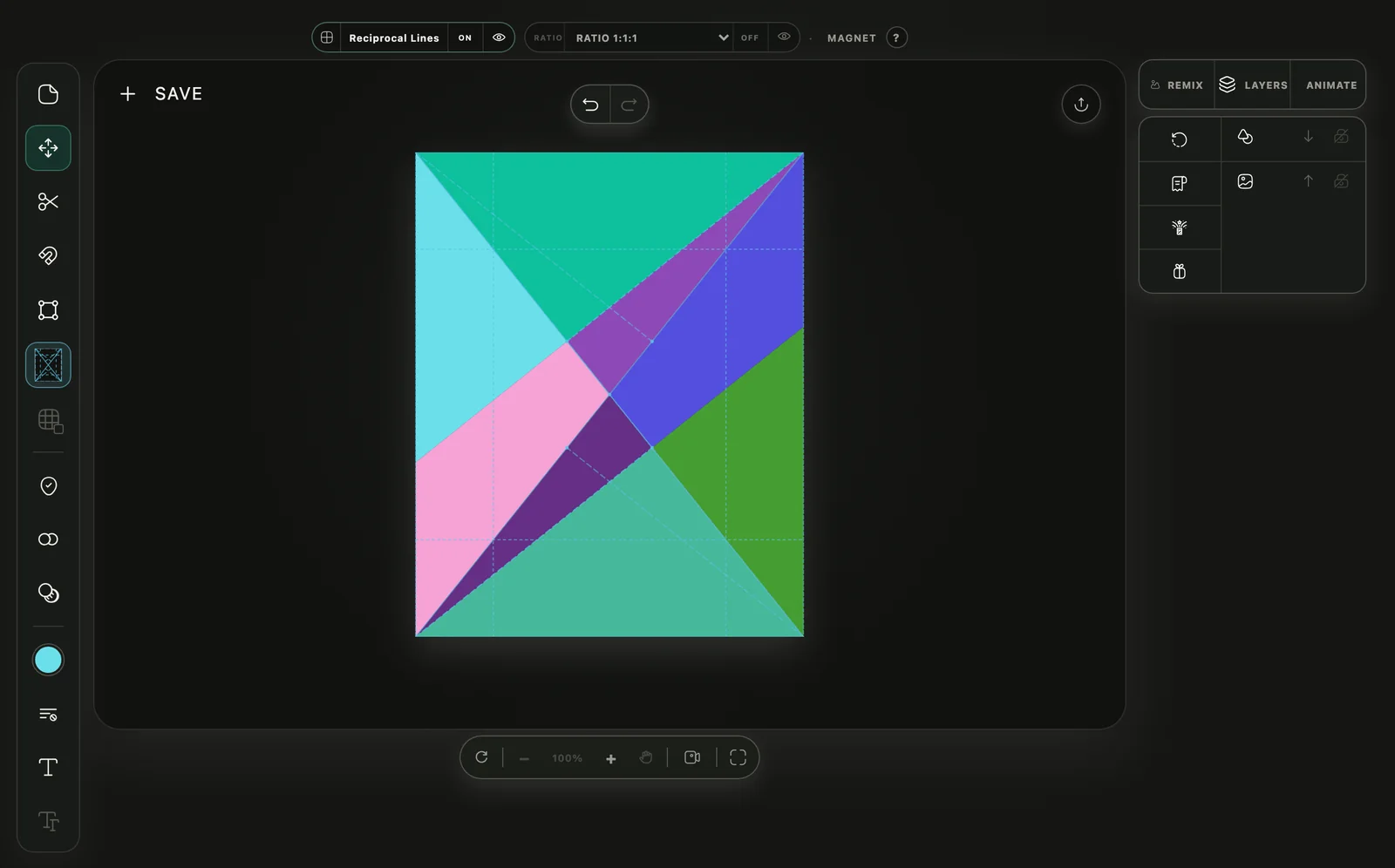
Construct is NORMA’s geometric composition workspace for creating posters, business cards, collages, social graphics and simple logo compositions.
Divide a canvas with harmonic grids and geometric systems. Keep the regions you want. Add colour, images or text, then export. On the Construct page, the divider you move is attracted to thirds, halves and golden sections.
- 82 geometric systems
- Recursive subdivision
- Works in your browser
Templates give you a layout. Construct gives you a way to make layouts.
Three moves. One composition.
-
 01
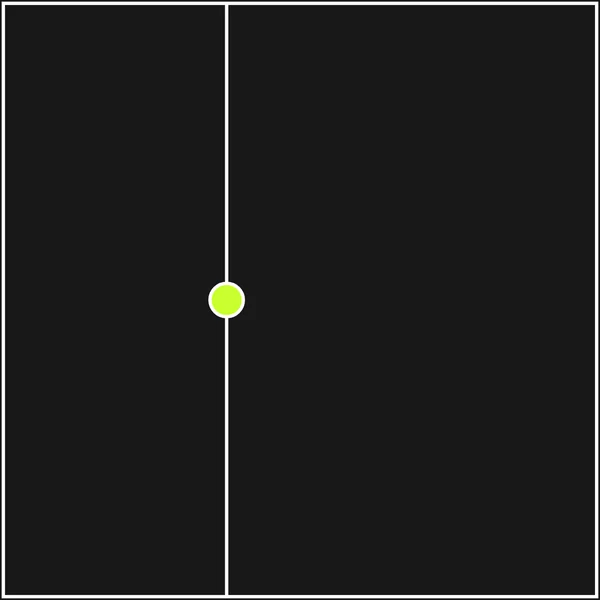
Divide by feel.
Draw a boundary. Magnet can attract the gesture to a useful proportional relation without taking control away.
-
 02
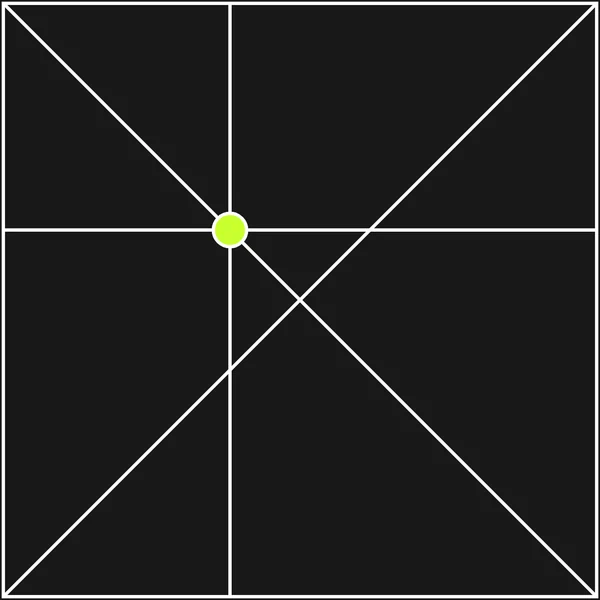
Apply a system.
Use a selected armature as a guide, a local law, or the actual partition that creates the regions.
-
 03
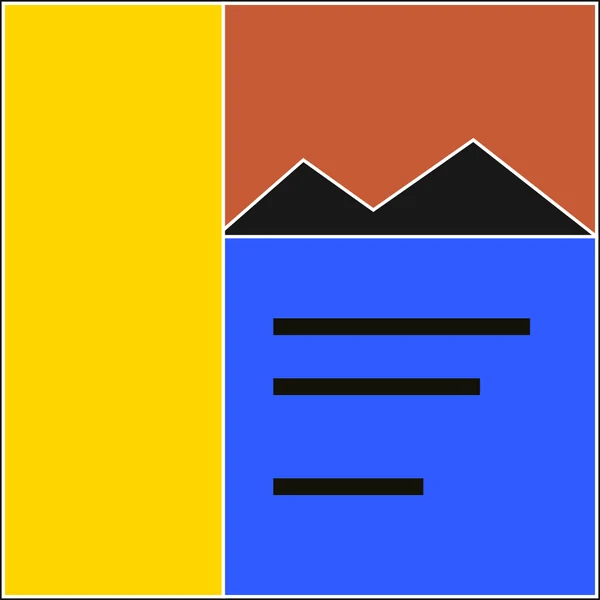
Put something inside.
Fill regions with colour, images, text or intentional empty space. Keep what matters and continue around it.
More than a grid.
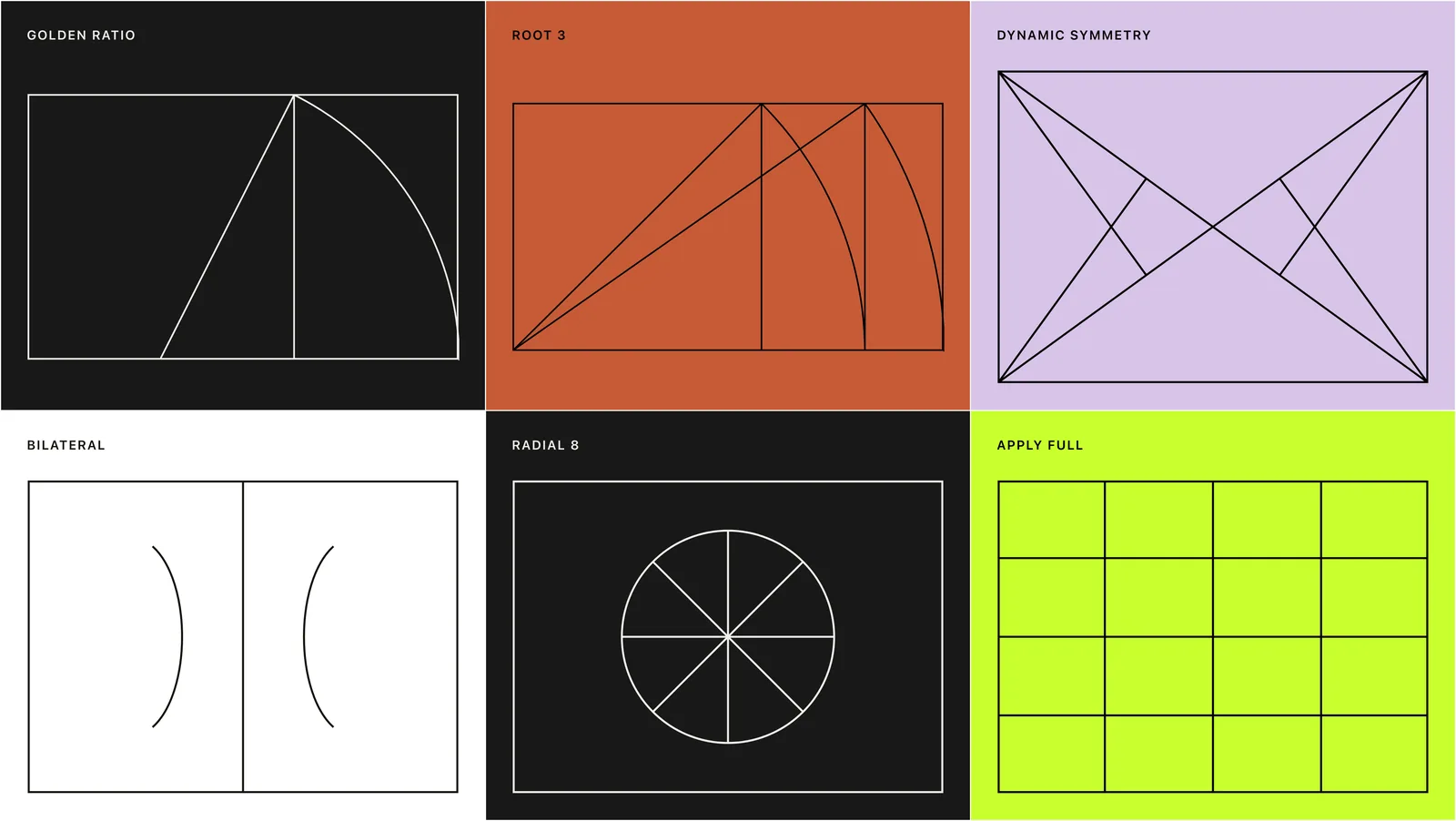
Systems work as overlays, magnetic fields, local armatures or complete partitions. The geometry stays explicit.
Construct includes proportional grids, root rectangles, dynamic symmetry, reciprocal lines, modular layouts, bilateral and radial systems, perspective guides and other geometric armatures.
What you can make with Construct.
- 01
Business cards
Print-sized card layouts built from proportional divisions instead of a fixed template.
- 02
Posters
Typography, images and colour combined inside recursive geometric structures.
- 03
Collages
Images arranged with asymmetrical, proportional or grid-based layouts.
- 04
Logo compositions
Simple geometric marks, wordmarks and proportional arrangements.
- 05
Social graphics
Build the composition from structure, then adapt it to the format you need.
Construct is not an AI image generator. It works from explicit geometry and direct manipulation.
Made with NORMA · the gallery
See the composition. Open the structure.
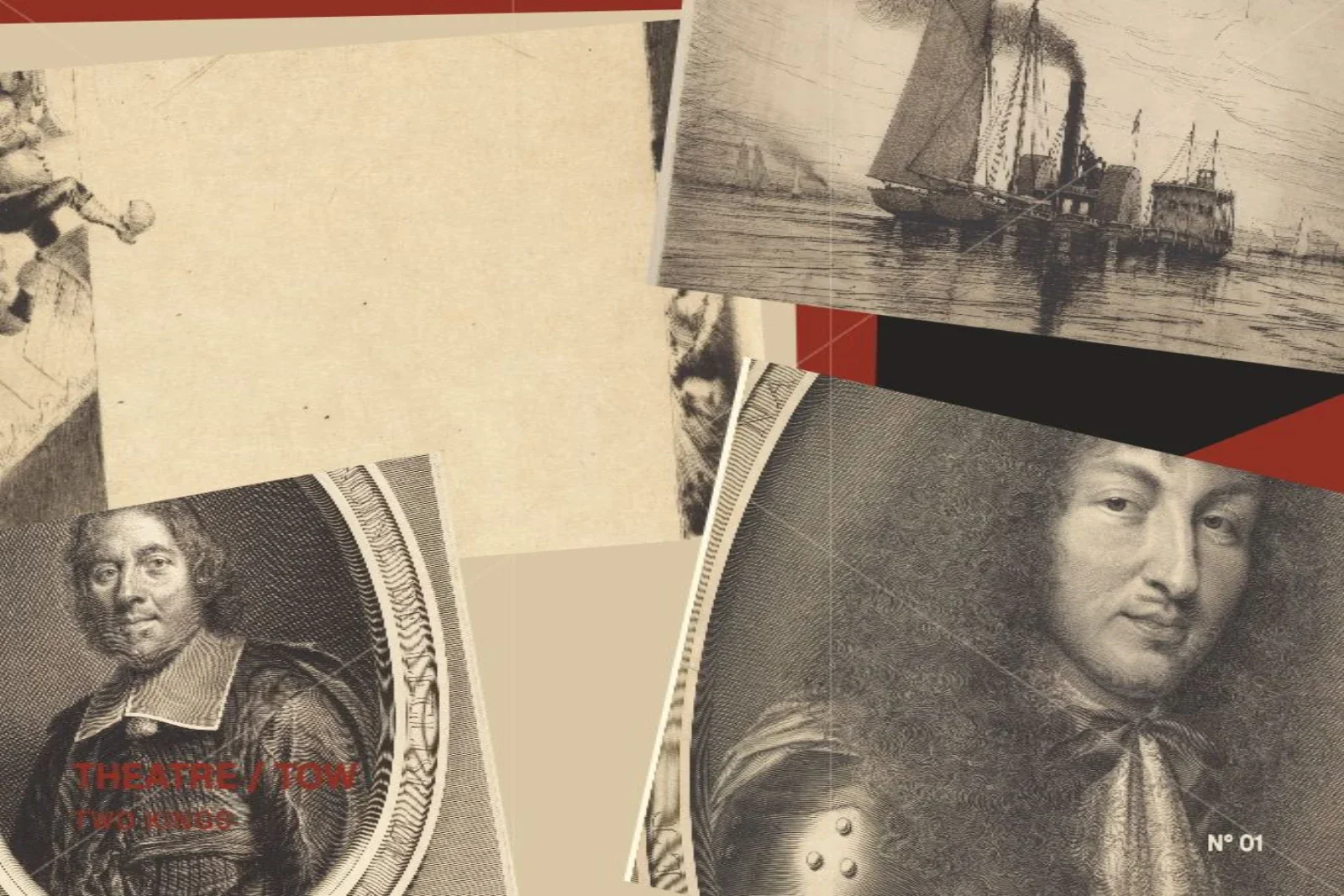
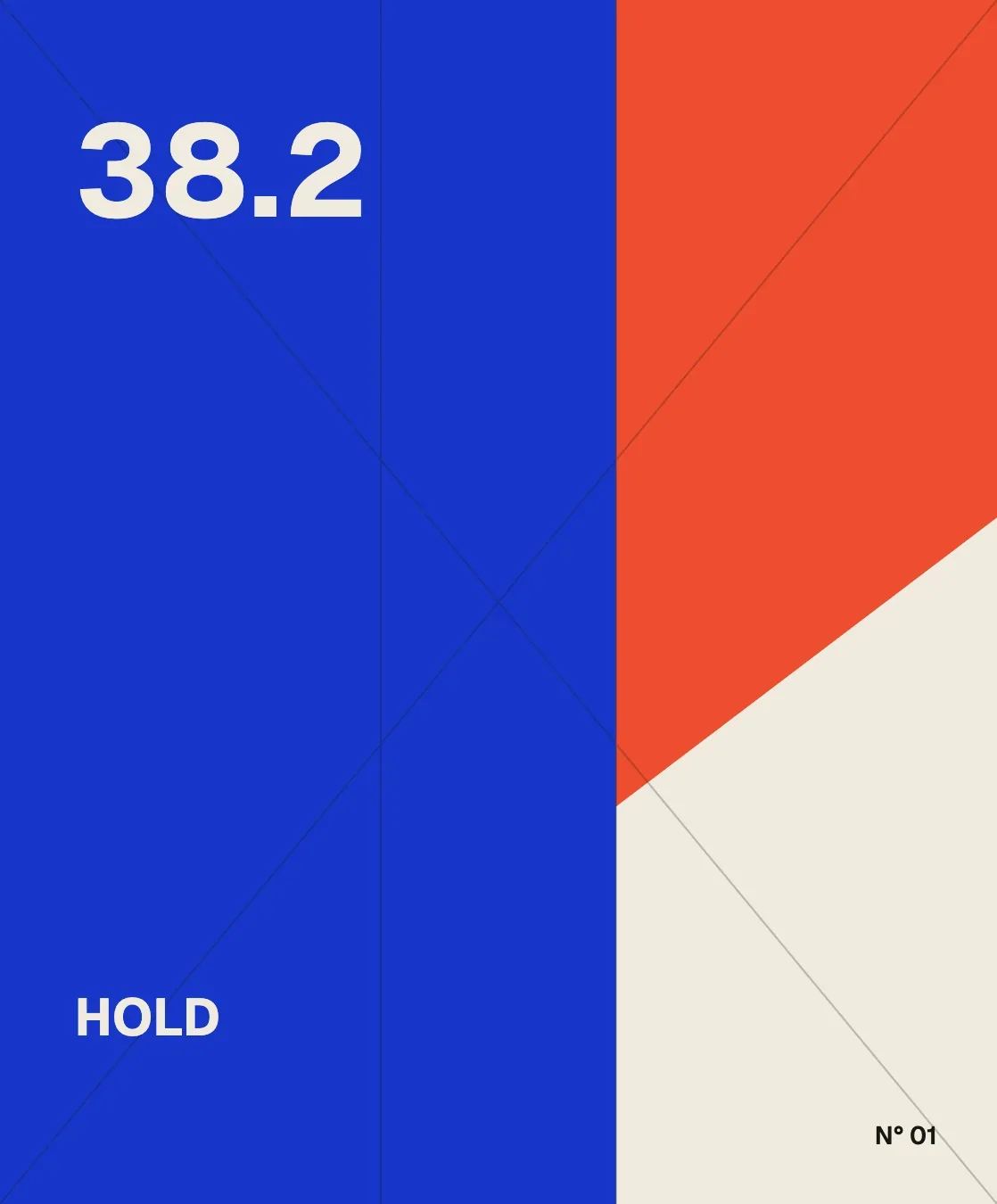
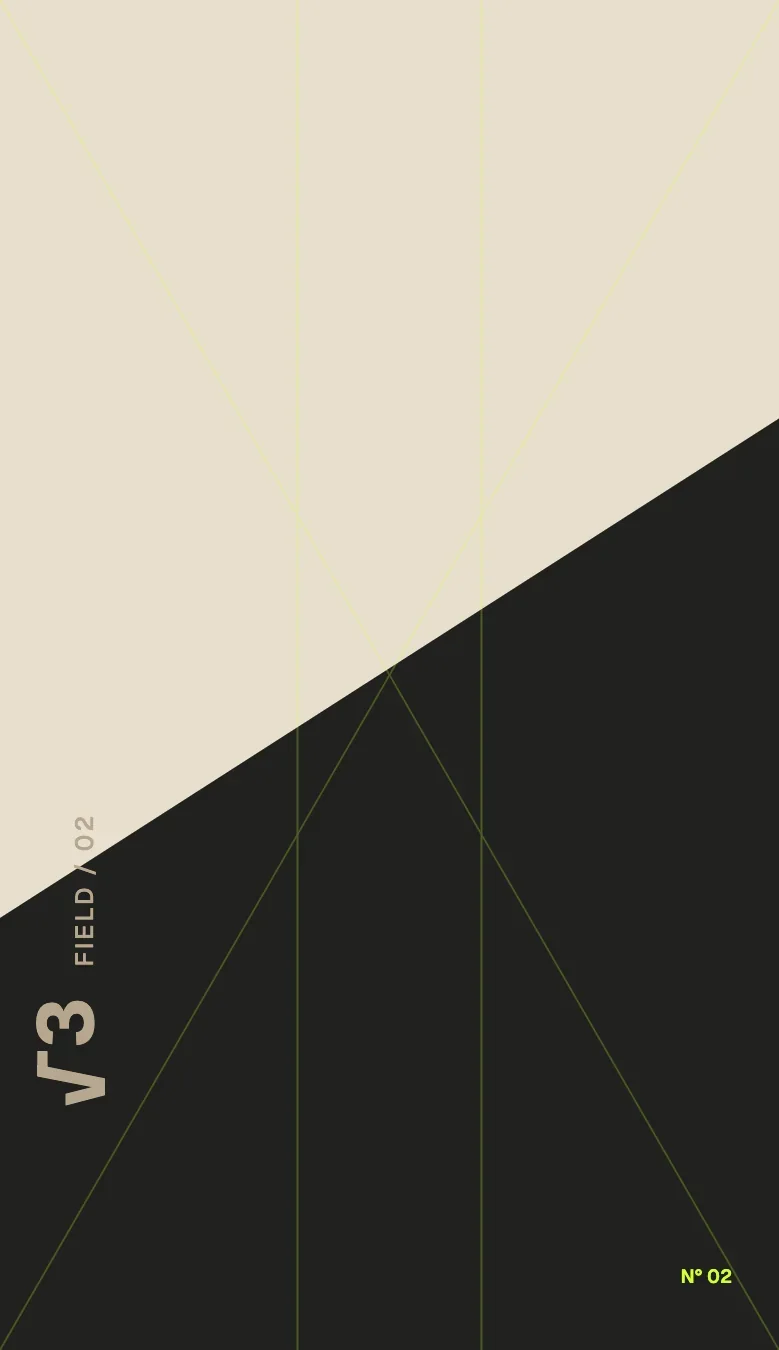
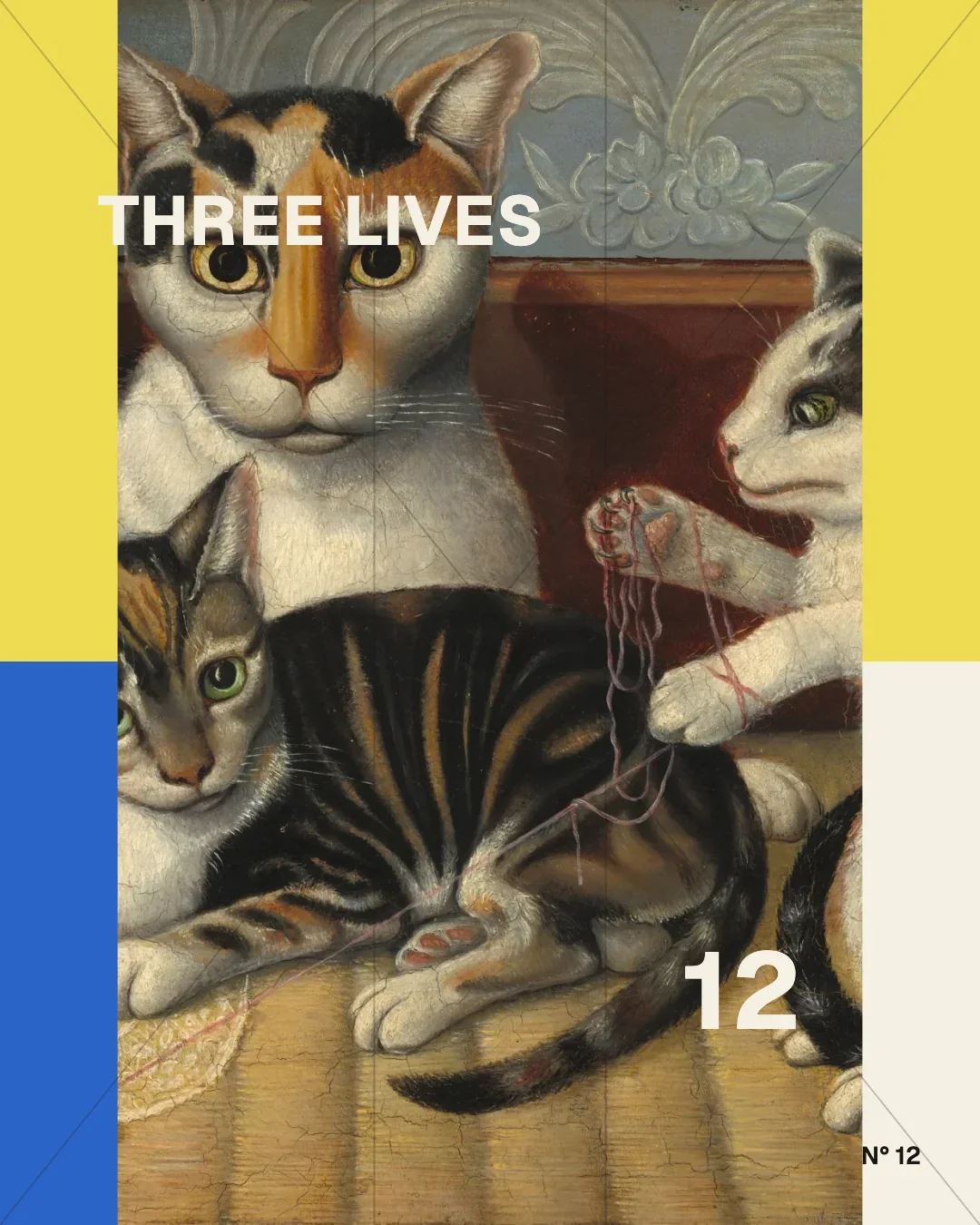
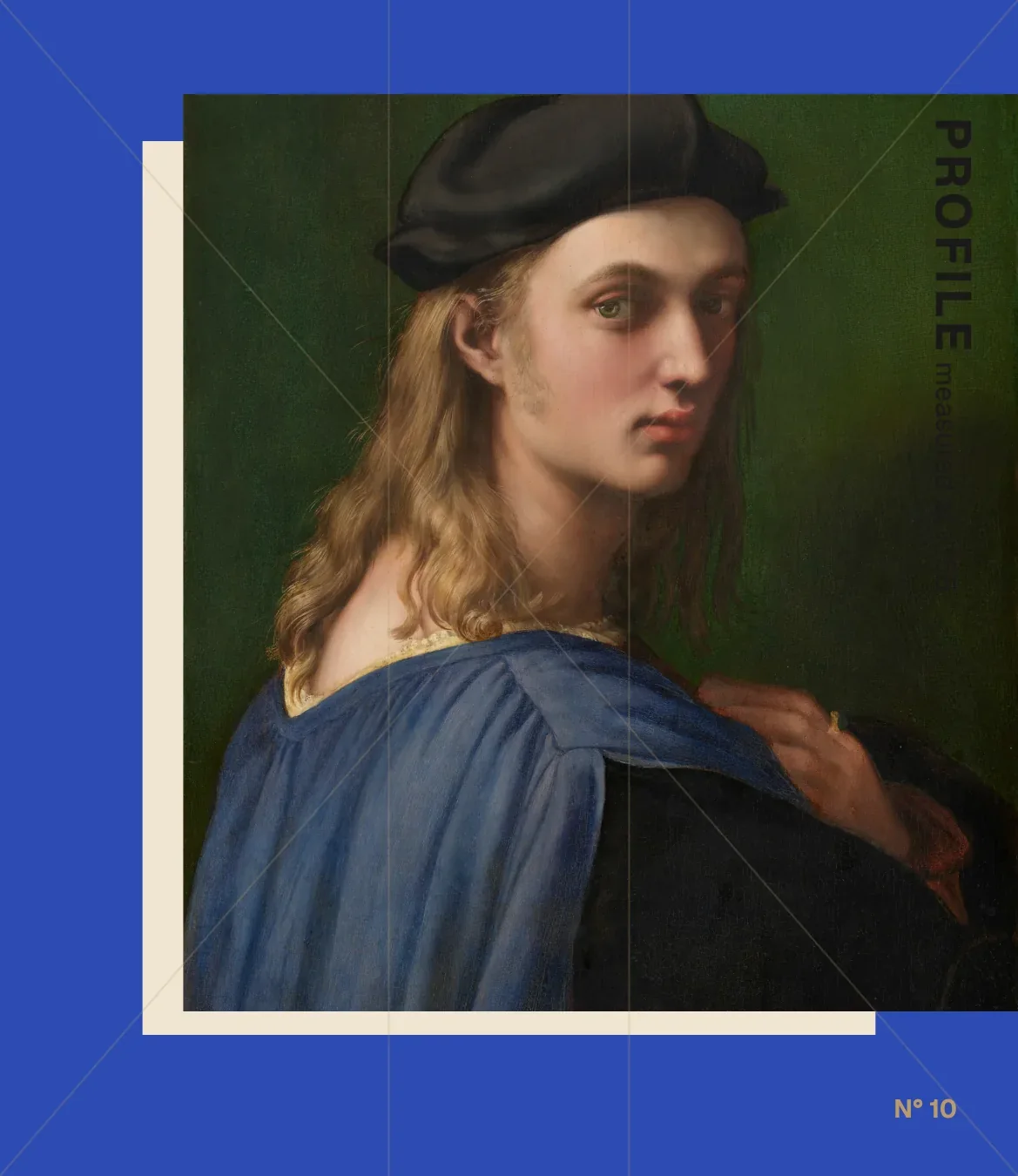
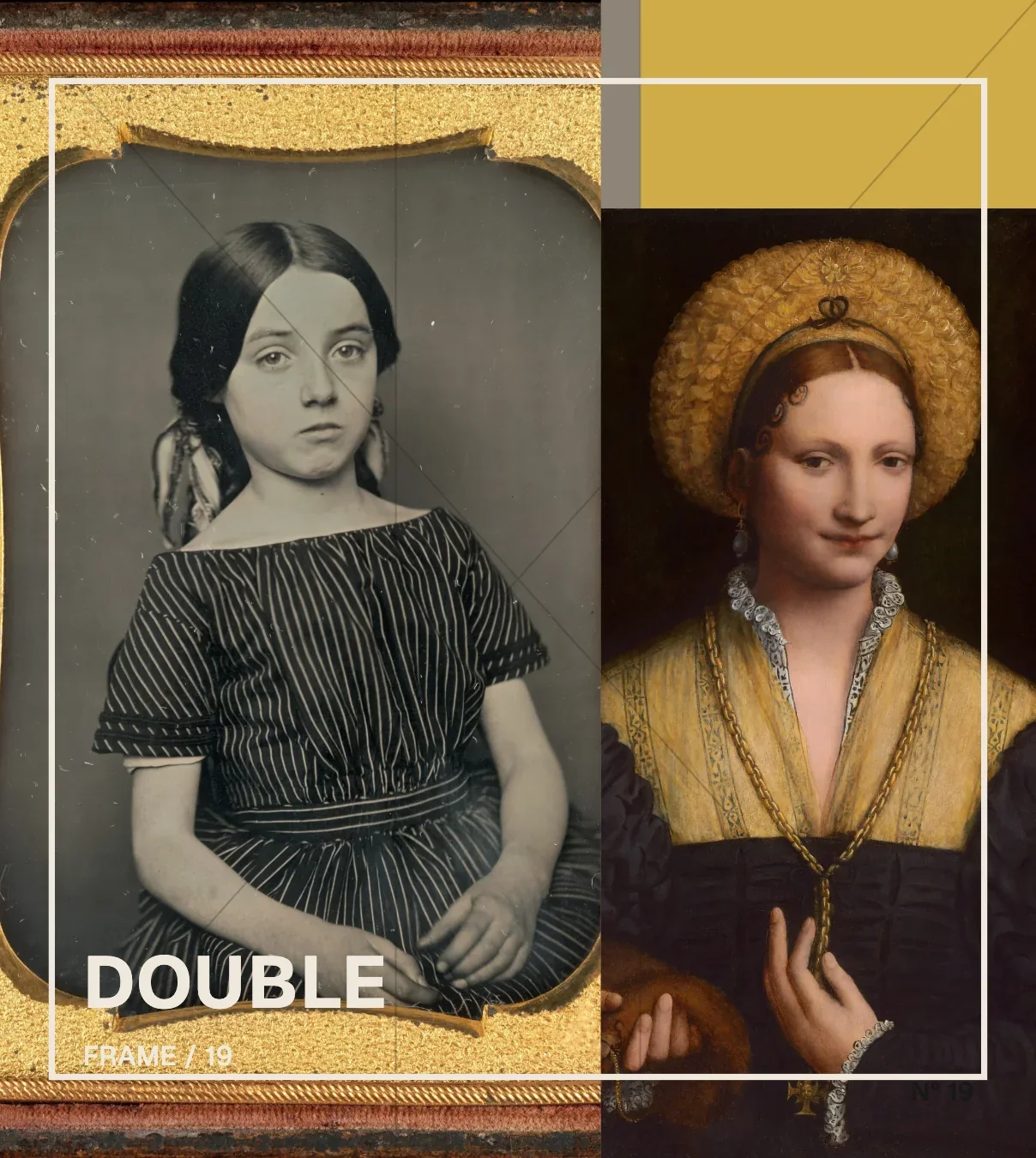
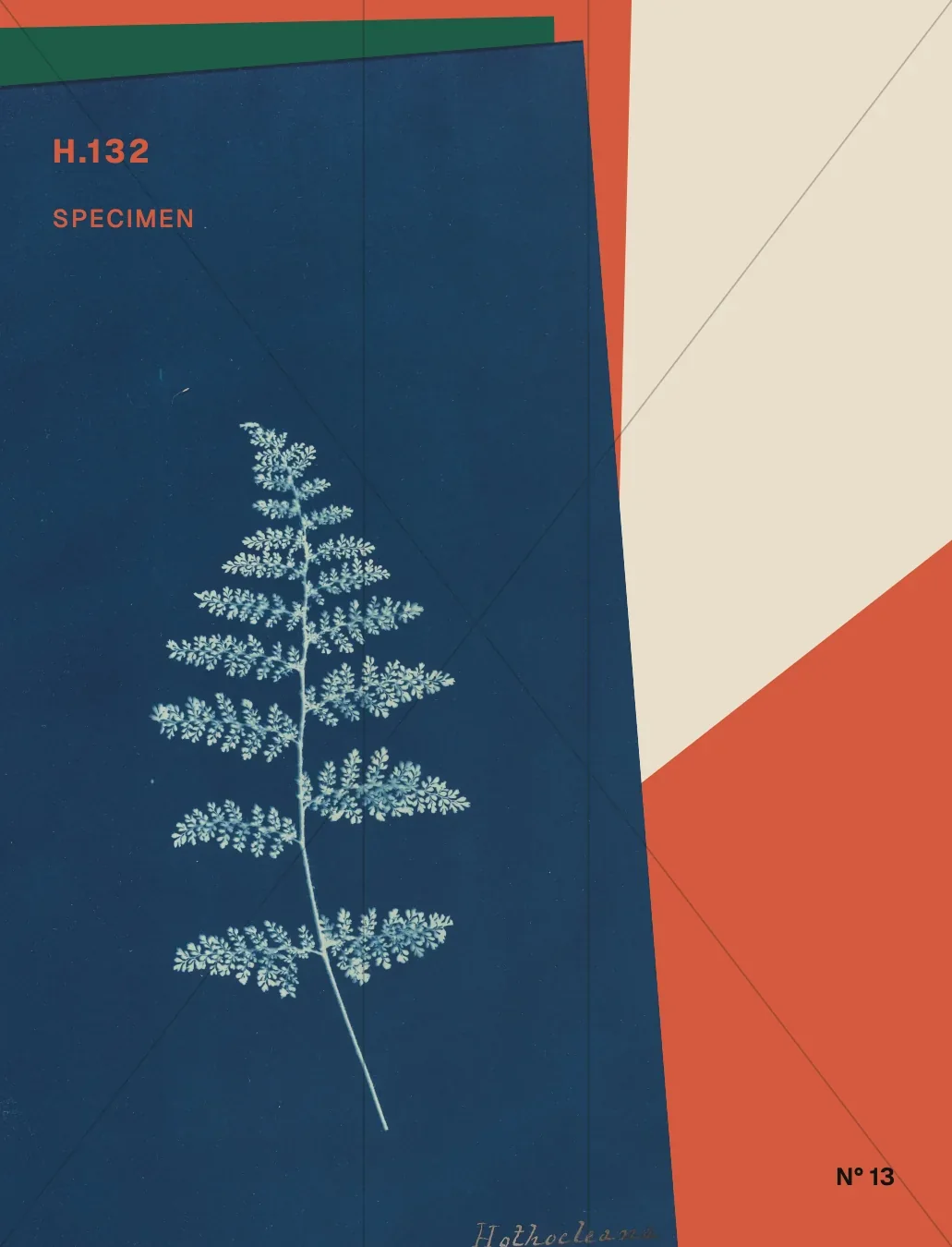
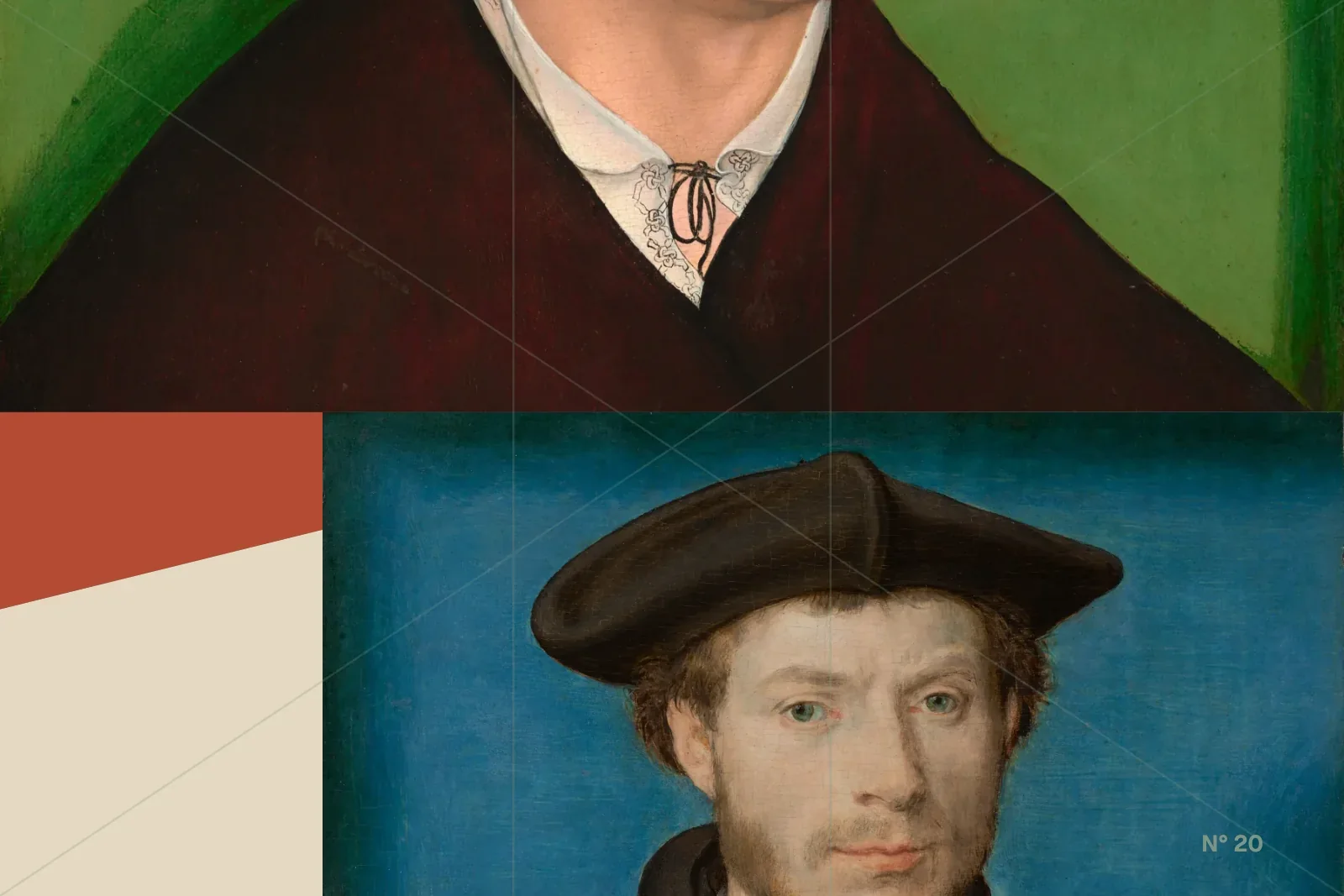
A few compositions from the norma.science gallery, made in Construct. Each page there names the frame, armature and hierarchy behind the image, and the structure opens to be remade.
Make something
The mathematics can stay invisible.
Start with one press. Open the structure only when you want it. NORMA is free to use, in the browser.